
Introduction
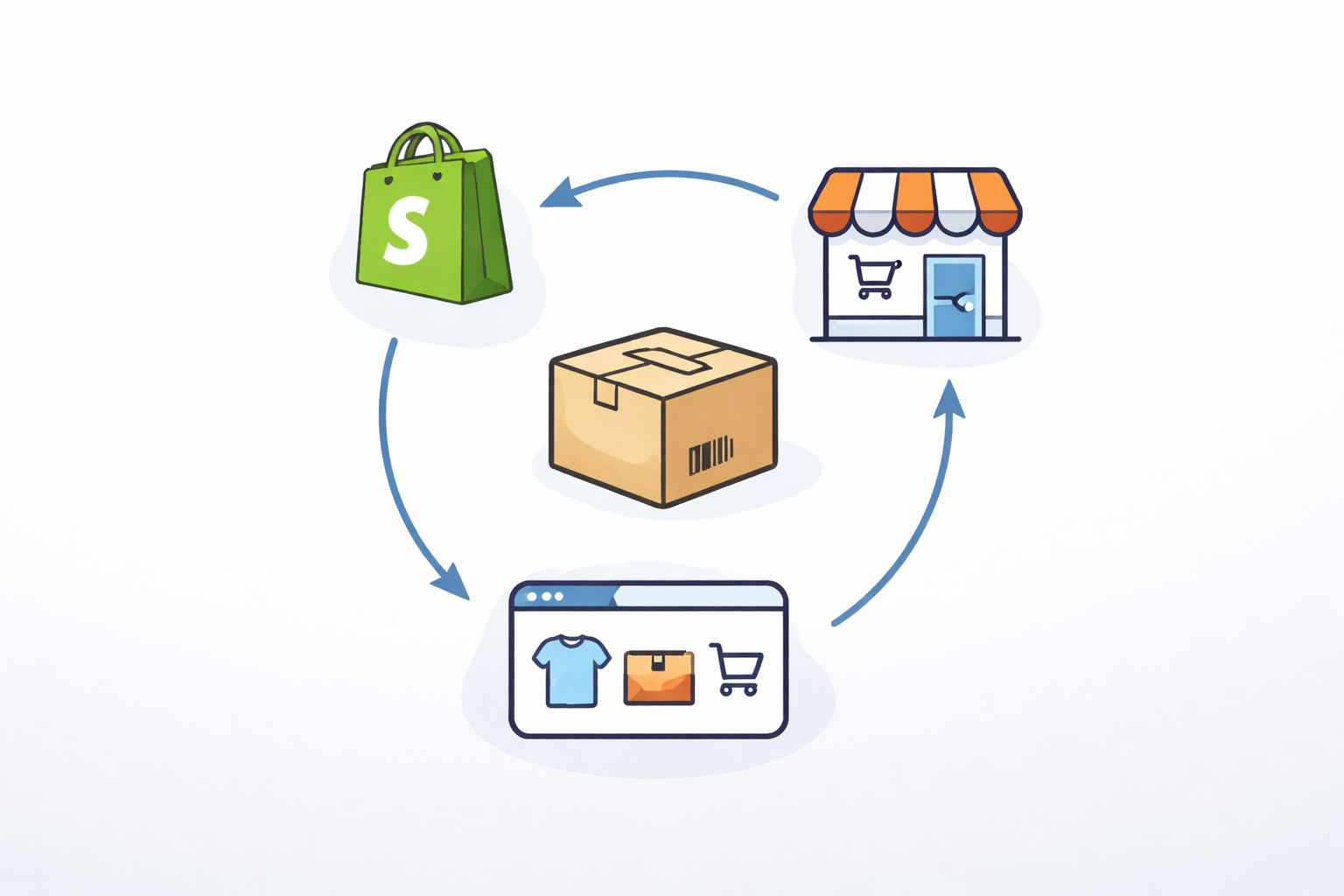
Selling through multiple channels like Shopify, in-store, marketplaces, and wholesale can make multichannel inventory management feel chaotic. If one channel updates stock and the others do not, you quickly get overselling, inaccurate counts, and frustrated customers. The good news is that multichannel inventory becomes much easier once everything flows through one connected system.
This guide walks you through the basics of keeping your inventory accurate across every channel you sell on.
Why Multichannel Inventory Gets Messy
Most small and mid-sized businesses run into issues because:
Each sales channel updates inventory at different times
Staff accidentally update quantities in one place but not another
Marketplaces or websites deduct stock instantly, while internal systems take longer
Manual spreadsheets can’t keep up with real-time sales
Some channels reserve stock before a sale is complete
These gaps create inventory drift. The key is making all updates flow through one place.
Step 1: Centralize Your Inventory in One System
The most important rule is to let one system be the source of truth for all inventory.
Do not store separate quantities inside Shopify, your POS, your spreadsheets, and your warehouse.
Choose one central system where:
All stock lives
All adjustments are made
All sales channels pull from
This prevents duplicate updates and fixes most accuracy problems.
Step 2: Sync Sales Orders Automatically
Whenever an order is placed online or in-store, it should immediately reach your central inventory system. This ensures:
Stock reduces instantly
Other channels see the correct available quantity
You prevent overselling
Real-time order syncing is one of the biggest wins for multichannel accuracy.
Step 3: Understand Available, Committed, and Incoming Stock
Most inventory issues come from looking at the wrong numbers. SMBs often only look at “On Hand,” which does not tell the full story.
You should track:
Available: What you can still sell
Committed: Stock reserved for unfulfilled orders
Incoming: Stock on open purchase orders
Your true sellable inventory is your Available number.
Step 4: Use Purchase Orders and Inventory Forecasting to Keep Stock Predictable
Purchase Orders help you keep the right amount of stock flowing into your company.
Connect your POs to your central inventory so that incoming stock updates across all channels. This helps you avoid stockouts and last-minute reordering.
Step 5: Keep Your Warehouse Inventory Counts Clean
Even with software in place, human processes matter.
Use simple habits to keep counts accurate:
Do regular cycle counts
Train staff to update stock in only one system
Fix discrepancies quickly
Avoid updating spreadsheets and systems separately
Clean processes support clean data.
Common Multichannel Mistakes to Avoid
Updating inventory manually on each channel
Editing or canceling orders without syncing them
Allowing staff to keep separate spreadsheets
Selling from multiple bins without tracking movement
Relying on On Hand instead of Available
Avoiding these improves accuracy instantly.
Conclusion
Tracking multichannel inventory does not need to be complicated. When all inventory and orders flow through one connected system, your entire business stays aligned, your counts stay accurate, and you avoid overselling.

Ready to see Aquilon in action?
Find out if Aquilon is the right fit for your business.